Never miss a fully-booked class again
Automated booking for Zdrofit gym classes. Picks your class, waits for the 48-hour booking window, and reserves your spot the instant it opens.
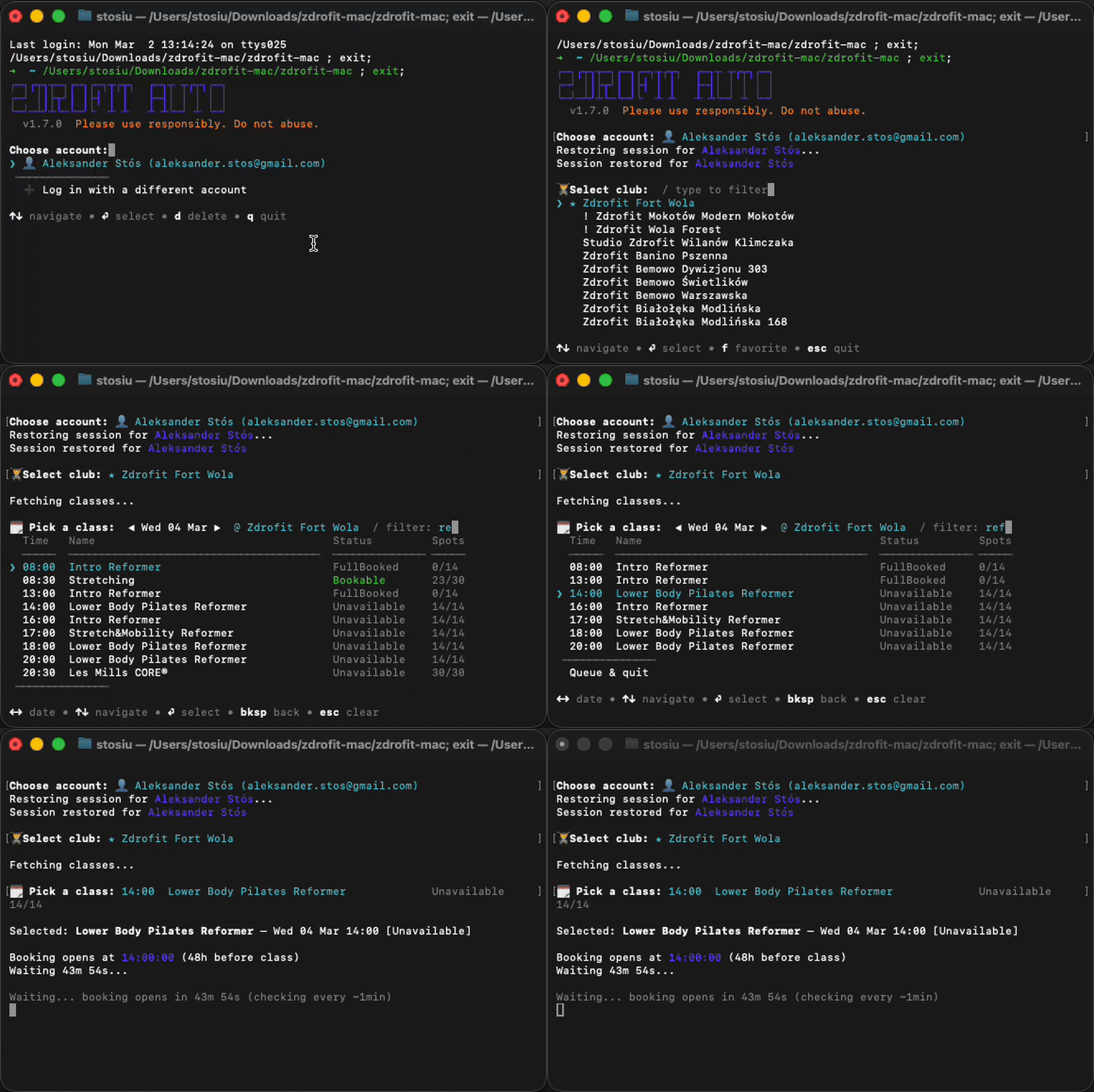
Calculates the exact 48-hour booking window and counts down to the second. Adaptive refresh intervals speed up as the window approaches.
Fires the booking request the millisecond the window opens. No human can click faster.
Browse all clubs and classes with date navigation. Filter by name, time, or location interactively.
Save multiple Zdrofit accounts locally. Switch between gym memberships without re-entering credentials.
Checks for new versions on startup and can update itself in-place. Always running the latest build.
Single compiled binary. No Node.js, no dependencies, no PATH config. Download, double-click, done.
Launch the app, log in with your Zdrofit credentials, and browse the class schedule. Select the class you want to book.
The app calculates when the booking window opens and displays a live countdown. Leave it running — it handles the rest.
The instant the window opens, your spot is reserved. You get a confirmation and your class appears in your Zdrofit schedule.
Your credentials are sent directly to the Zdrofit API over HTTPS. Nothing passes through any third-party server. Saved accounts are stored locally in ~/.zdrofit-accounts.json on your machine.
The source code is available for audit upon request.